

Export from Trading Platforms
Download historical OHLC data from charting or trading platforms that support CSV export.
Learn MoreLearn how to source, clean, and structure historical market data for accurate and reliable backtesting, parameter sweeps, and walk-forward validation on Prime Quant.
Explore different ways to obtain historical OHLCV data, from trading platforms and brokers to public datasets and professional data providers.
Download historical OHLC data from charting or trading platforms that support CSV export.
Learn MoreUse historical OHLC data exported from your brokerage account or broker platform.
Learn MoreExplore free historical market data from public datasets, exchanges, or financial archives.
Learn MoreUse paid data providers when you need cleaner, deeper, or more specialized market data.
Learn MoreLooking for region-specific data sources or asset coverage? Explore detailed guides for different markets and providers.
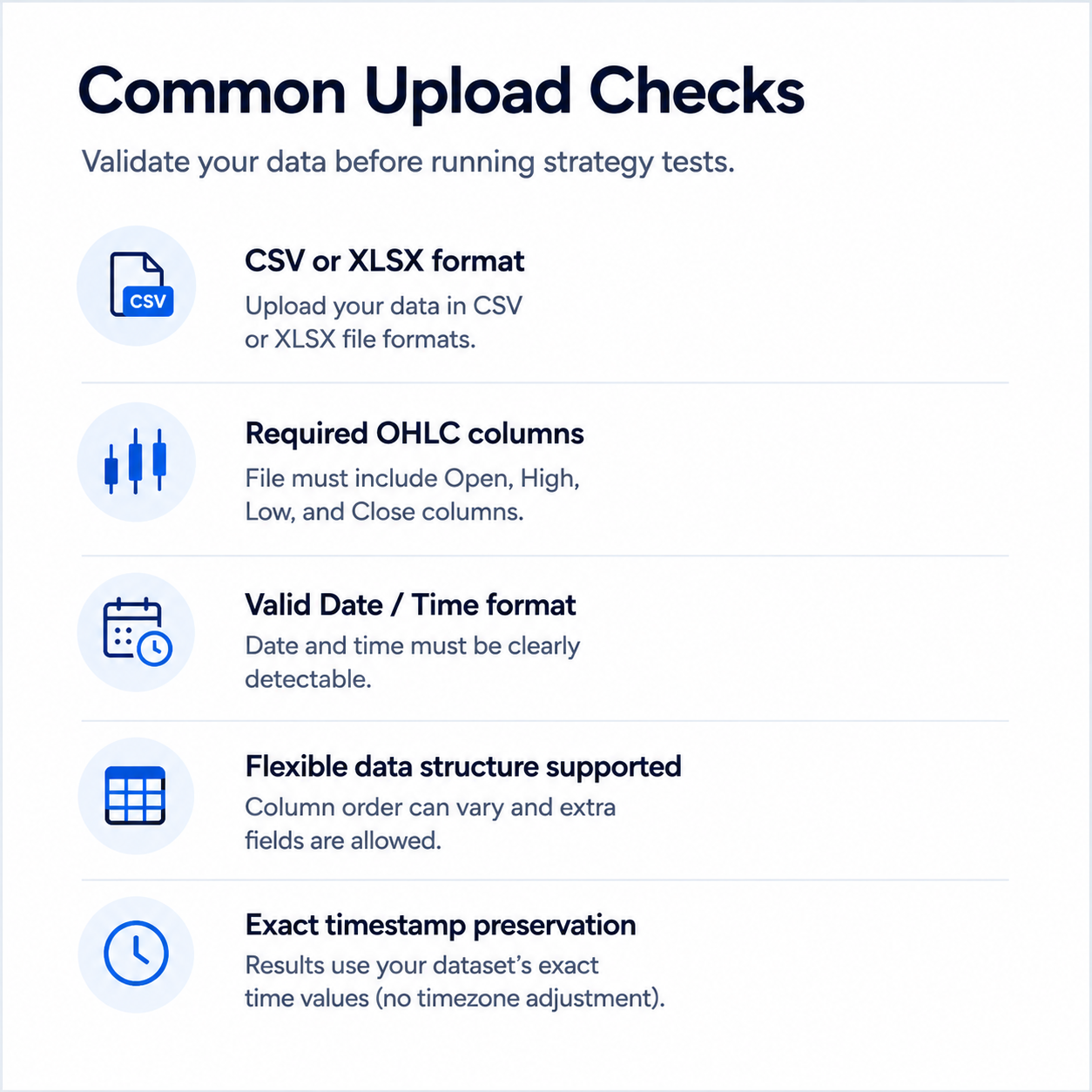
Ensure your dataset is correctly structured before uploading. Your data must include required price columns and a valid date-time format for accurate strategy testing.
| Datetime | Open | High | Low | Close | Volume (optional) |
|---|---|---|---|---|---|
| 2024-04-28 09:30 | 22410.25 | 22455.80 | 22396.40 | 22432.10 | 184220 |
| 2024-04-28 09:45 | 22435.10 | 22502.45 | 22404.35 | 22496.90 | 192008 |
| 2024-04-28 10:00 | 22492.20 | 22510.75 | 22428.50 | 22440.60 | 176514 |
| Date | Time | Open | High | Low | Close | Volume (optional) |
|---|---|---|---|---|---|---|
| 2024-04-28 | 09:30 | 22410.25 | 22455.80 | 22396.40 | 22432.10 | 184220 |
| 2024-04-28 | 09:45 | 22435.10 | 22502.45 | 22404.35 | 22496.90 | 192008 |
| 2024-04-28 | 10:00 | 22492.20 | 22510.75 | 22428.50 | 22440.60 | 176514 |
Export or download historical OHLC data from your trading platform, broker, or trusted data source.
Make sure the file includes open, high, low, and close columns, plus a usable datetime or date/time structure.
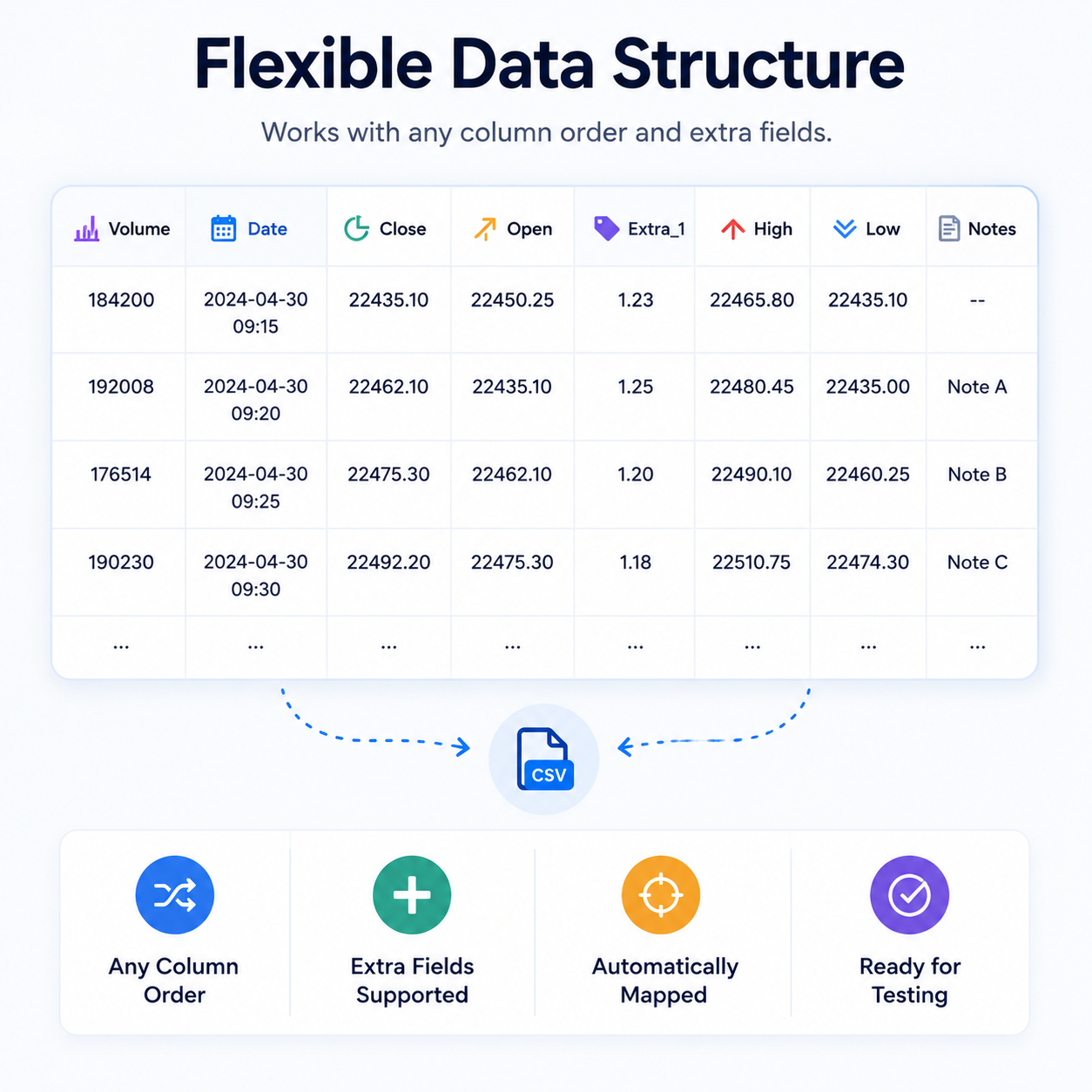
Column names are not case-sensitive, column order does not matter, and extra columns are allowed.
Upload your CSV or XLSX file during strategy setup and confirm the structure before running the test.
Find more articles on preparing datasets and troubleshooting uploads.